When you become a client, you’ll receive an email invitation with your unique login details.
To log in:
Click the link provided in your welcome email. This will take you to the login page:
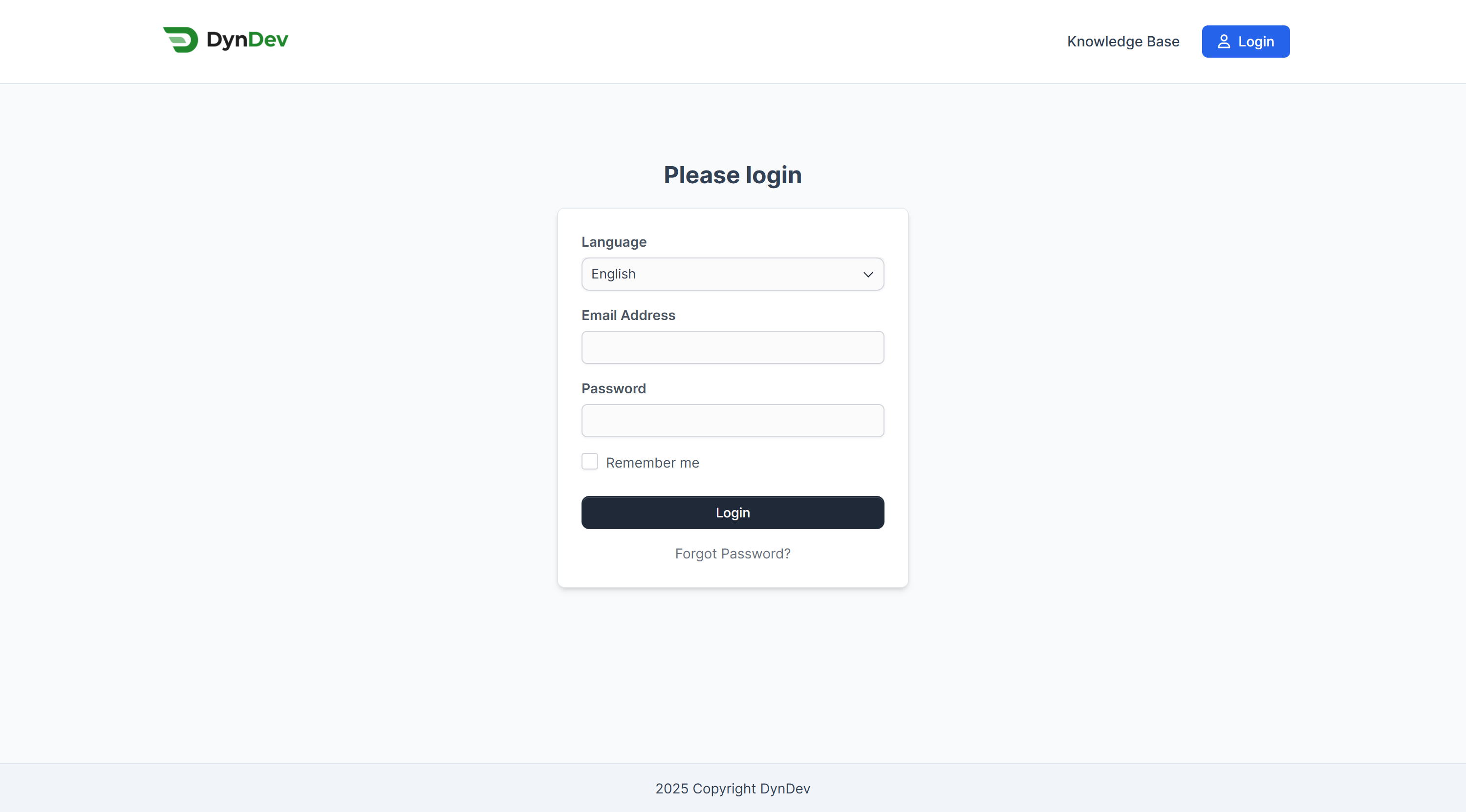
Enter your email address and password.
Once logged in, you’ll see your personalized dashboard with all active projects, support tickets, and invoices.
💡 Tip: Bookmark the login page for easy access.